How to Remove Background from Photo Free (No Signup Needed)
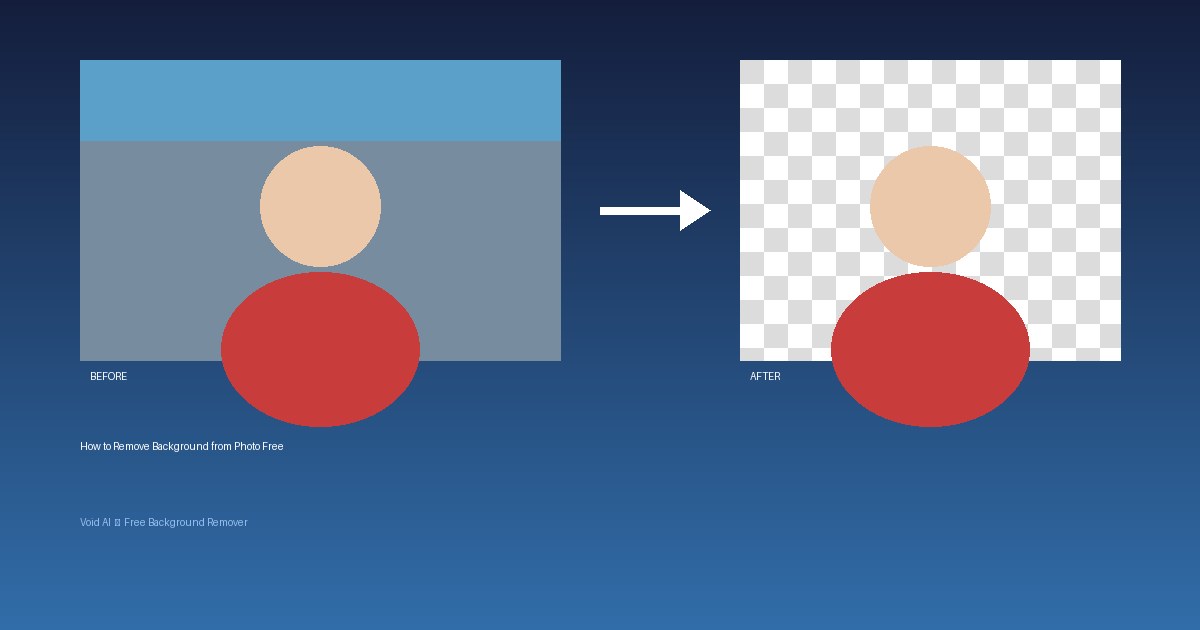
Need to remove the background from a photo? Maybe it's a product shot for your online store, a profile picture, or a fun edit for social media. The good news: you don't need Photoshop skills or expensive software anymore.
Void AI removes image backgrounds free in seconds — no signup, no watermark. Here's exactly how to do it.
Step-by-step: remove background free
- Open Void AI — go to the homepage. Nothing to install.
- Upload your photo — drag and drop a JPG, PNG or WEBP (up to 20MB).
- Wait a few seconds — the AI detects the subject and erases the background automatically.
- Download — get your transparent PNG instantly.
Tips for the best results
- Use a photo where the subject stands out from the background.
- Good lighting helps the AI find clean edges.
- For hair and fur, the Smart mode gives the cleanest cutout.
- Higher resolution input = sharper edges on the output.
Why free?
Many tools slap a watermark on free downloads or force you to create an account. Void AI gives you full-quality transparent PNGs with no signup — we believe trying the tool should be frictionless.
What can you do after removing the background?
- Place products on a clean white background for Amazon or Shopify.
- Create YouTube thumbnails that pop.
- Make passport or ID photos with the right background color.
- Design social media posts with cutout subjects.