Remove White Background from Logo (Free Transparent PNG Maker)
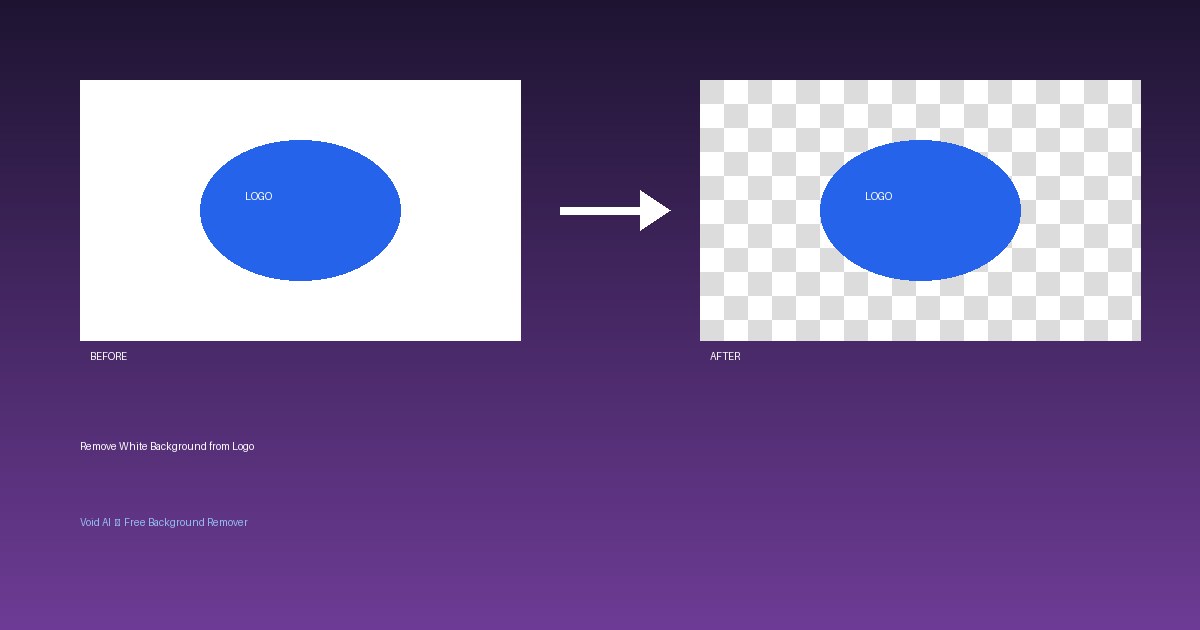
A logo on a white box looks amateur on a colored website header, a presentation slide, or product packaging. What you need is a transparent PNG — and making one takes seconds.
How to remove a white background from a logo
- Upload your logo to Void AI (JPG or PNG).
- The AI detects the logo shapes and removes the white background.
- Download the transparent PNG — free, no signup.
Why AI beats manual erasing
The old way meant tracing every curve with a selection tool — painful for logos with fine text or thin lines. AI edge detection handles curves, small text, and even semi-transparent elements automatically.
Tips for logo cutouts
- Start with the highest-resolution logo file you have.
- If the logo has a shadow, decide whether to keep it — soft shadows can look odd on new backgrounds.
- Save as PNG (not JPG) to keep transparency — JPG doesn't support it.
- Test your transparent logo on both light and dark backgrounds.
Common uses
- Website headers and footers
- Email signatures
- Watermarks on photos
- Social media profile images
- Printed marketing material